Demo — online table reservations
Guests book their own table
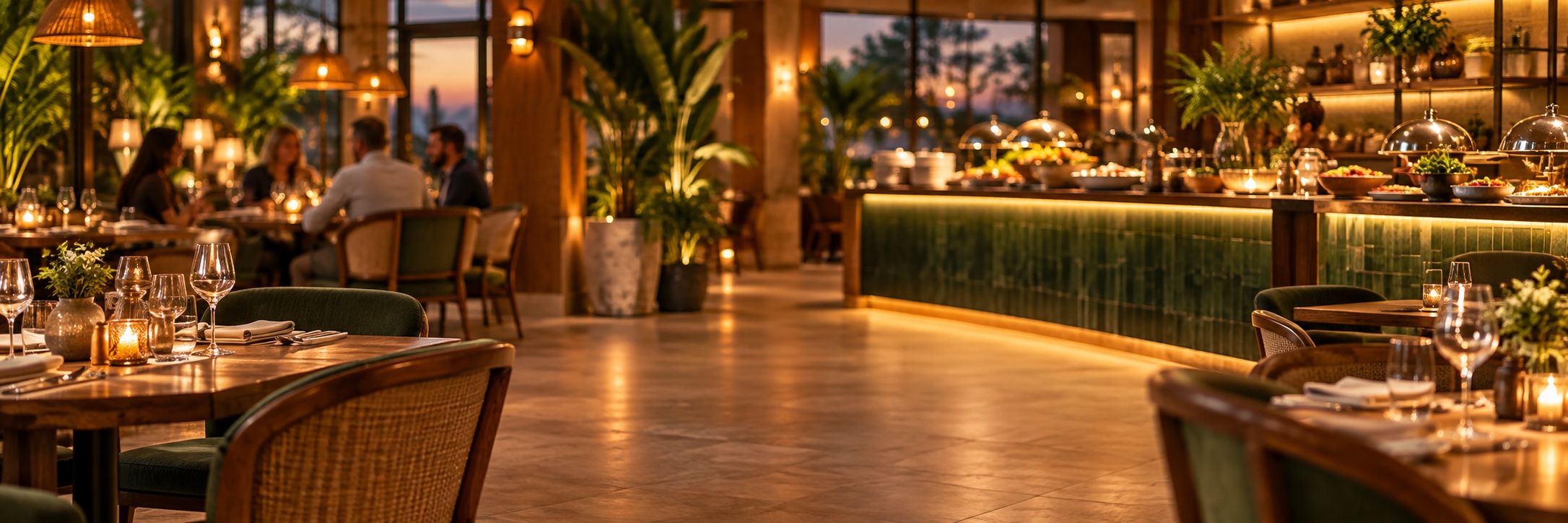
This is a working i-Reserve environment for hospitality: a breakfast and dinner buffet and three restaurants, each with its own character. Guests choose day, time and number of people, and you see in one overview how busy it gets. Below are the ways to reserve — try them out.
Buffet
Breakfast and dinner buffet in fixed time slots. A maximum number of guests per slot, so it never gets too crowded.
View the buffet →Restaurants
Three restaurants, each with its own atmosphere and opening hours, in one system.
View the restaurants →Calendar
The reservation calendar of the breakfast buffet: pick a day and see straight away which times are still free.
Open the calendar →Appointments
Appointments at a practice or service provider work the same way. Have a look at the appointments part of this demo.
Go to appointments →Widget
Let guests book on your own website with the widget: a compact booking window. Try it at the bottom right of this page.
Open the widget ↘
How a reservation works
From the first click to the confirmation in the inbox — even when the restaurant is closed.
- 1
Choose a restaurant
Buffet or à la carte: the guest chooses where to eat.
- 2
Choose day, time and party size
Only times with enough room can be clicked.
- 3
Confirm
Fill in the details, a deposit if needed, confirmation by email. Done.
Take a look at the admin panel
This is what it looks like on your side: reservations, diary and settings in one place.
Another sector? Have a look at our other i-Reserve demo environments.